Home / Pass
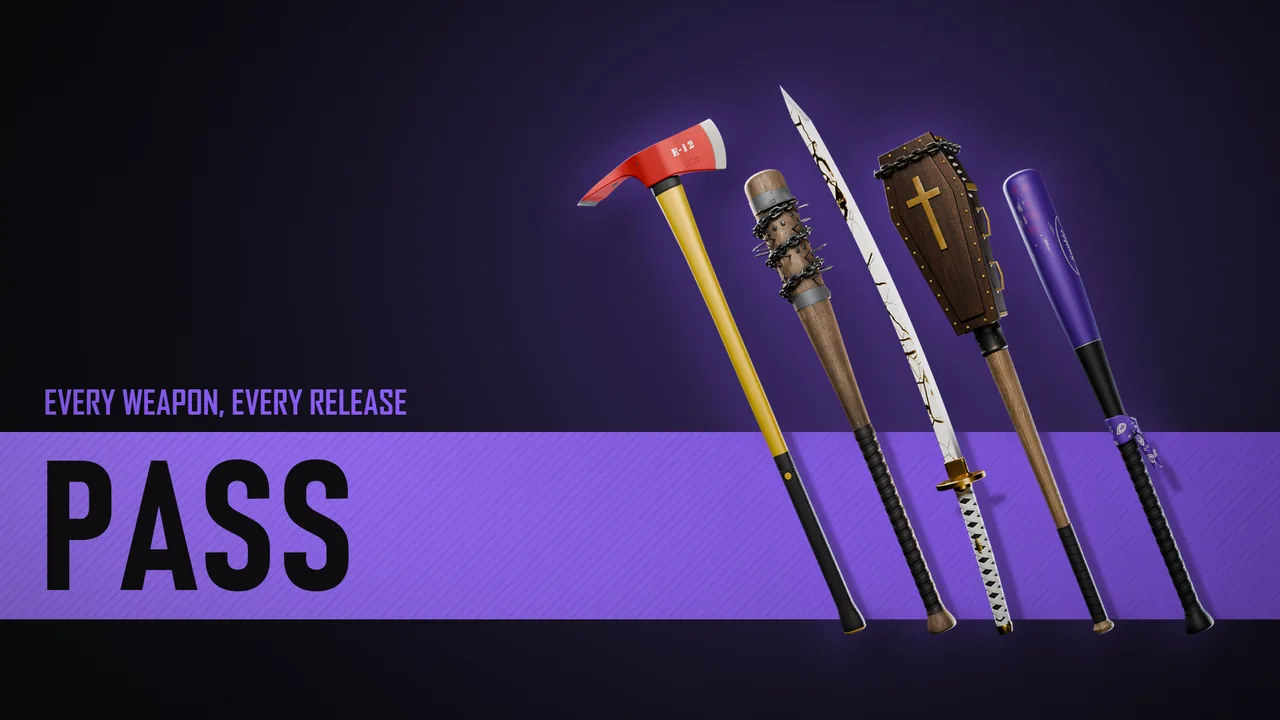
MDEV Pass
Every weapon, one subscription.
Every weapon on the store, granted to your Cfx.re account while you're subscribed. Pick a plan, check out through Tebex, and install them like any other purchase.
Checkout runs through Tebex, which renews it at the end of each period. Cancel with a ticket in our Discord.
How it works
The Pass in the docsEverything in the weapons list, every finish included, granted to your Cfx.re account while you're subscribed.
They show under Granted Assets in the Cfx.re Portal, with the same install guides in the docs.
Tebex takes the payment at the start of each period, monthly, quarterly or yearly.
When the subscription ends, its weapons leave your account. Anything you bought on its own stays yours.
Questions
How do I cancel?
Head to Tebex Payment History click the active subscription and cancel it.
What happens when it ends?
Tebex removes the Pass's weapons from your Cfx.re account. Anything you bought on its own isn't part of the Pass and stays yours.
Can I keep a weapon for good?
Buy it on its own from its release page: single purchases aren't tied to the Pass.
Is it tied to one server?
It's tied to your Cfx.re account, the same as a single purchase.