
Addon weapons and maps for FiveM.
The store opens soon. Join the Discord to hear the moment each release goes live.
Nothing here yet.
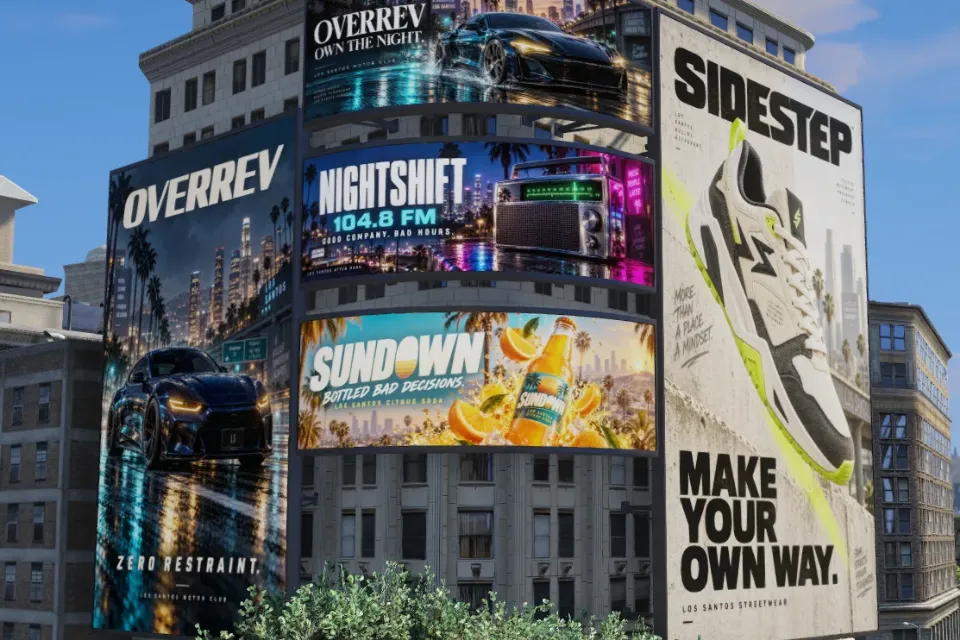
Browse all releasesBillboards
See them allQuestions
Support and documentationHow do I get my purchase?
Checkout runs through Tebex. Once payment clears, the asset is granted to the Cfx.re account you signed in with. Open portal.cfx.re, find it under Granted Assets, and add it to your server.
Why do I have to sign in with Cfx.re first?
Everything here is escrow-protected and tied to a Cfx.re account. Tebex needs to know which account before it will hold anything in a basket, so sign-in comes before your first add. You only do it once.
Do the weapons replace vanilla ones?
No. Every weapon is an addon with its own name, so vanilla weapons and other resources keep working alongside it.
Can I edit the models or textures?
Weapon models and textures are escrow encrypted. Meta and config files are left open, so you can adjust names and stats to suit your server. Map / Prop models may be fully escrow encrypted or partially encrypted but allow edits to textures through their YTD.
Something is not working. Where do I go?
Check the docs first, as most setup questions are answered there. If you are still stuck, open a ticket in our Discord with your Cfx.re name and the product.
Community
MDEV
Join the Discord19 online215 members
Creating Top Quality Assets for your FiveM Server. Visit www.mdevstore.com today!
Support in Discord
Open a ticket with your Cfx.re name and the release, and we'll help you set it up or put it right.
Open a ticketSetup guides
Every release has its own install page: the ensure line, the snippets for your framework and the inventory icons.
Read the docs